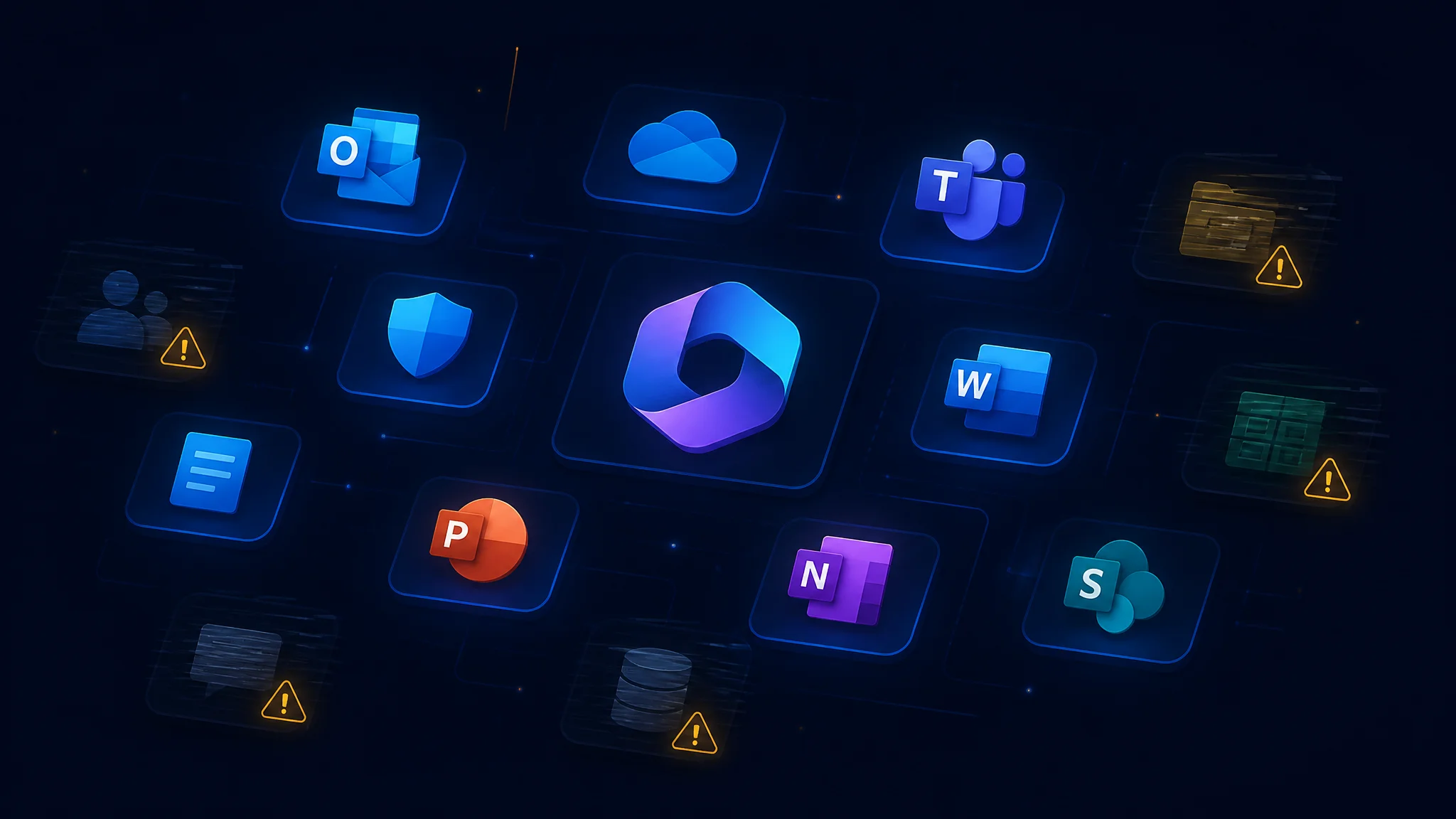
If you’re seeing a Microsoft 365 outage today where some services work and others don’t — you’re not alone, and it’s not your fault. Microsoft has confirmed a service degradation affecting multiple M365 workloads, and the symptoms are inconsistent across users, devices, and tenants.
What’s Happening
Microsoft’s Service Health Status page is currently reporting service degradation for Microsoft 365 (Business or Enterprise). The affected services include:
- Exchange Online — email delivery, Outlook connectivity
- Microsoft Teams — chat, channels, presence
- SharePoint Online — document libraries, intranet sites
- Copilot for Microsoft 365
- Microsoft Defender XDR
- Microsoft Planner
- Microsoft To Do
- Microsoft Purview
Microsoft has stated that an alternative health check method was validated on a subset of affected infrastructure and is being applied more broadly. The next update is expected by Thursday, November 12, 2026 at 10:30 PM UTC (2:30 PM Pacific).
Why It Hits Everyone Differently
This is the part that confuses people the most. A service degradation is not a full outage — it’s a partial failure where some requests succeed and others fail. Here’s why your experience may differ from the person sitting next to you:
Different services, different infrastructure
Exchange Online, Teams, and SharePoint run on separate infrastructure stacks within Microsoft’s cloud. A degradation in one shared dependency — like an authentication service or a network routing layer — can take down SharePoint while leaving Exchange partially functional. Your phone might download email fine (Exchange ActiveSync uses a different endpoint than Outlook desktop), while Outlook on your PC sits spinning.
Different users, different sessions
Authentication tokens are cached. If your session was established before the degradation started, some services may continue working until your token expires. A colleague who just logged in fresh may get errors immediately. This is why “ite works for me but not for my partner” is the hallmark of this kind of incident.
Different regions, different timing
Microsoft’s cloud spans dozens of regions. The degradation may have started in one region and propagated. Users in regions that hadn’t yet received the bad configuration may see no issues at all — until they do.
What You Can Do Right Now
- Check the official status page. Go to admin.microsoft.com/#/servicehealth (requires admin login). This is the source of truth — not Twitter, not your colleague’s guess.
- Don’t restart, reinstall, or reconfigure. This is a Microsoft-side issue. Restarting Outlook, clearing cache, or re-adding your profile will not fix it and may create new problems on top of the existing ones.
- Tell your team what’s happening. The most valuable thing IT can do during a third-party outage is communicate. A simple message — “Microsoft is experiencing a service degradation. Some services may be slow or unavailable. We’re monitoring and will update you.” — prevents a flood of helpdesk tickets.
- Use alternative channels for urgent communication. If Teams chat is degraded, use email (if Exchange is working), SMS, or a quick phone call. Don’t wait for the broken tool to send the message that the tool is broken.
- Don’t panic about security. Defender XDR is listed as affected, but this does not mean your endpoints are unprotected — the agent-level protection continues to operate. What’s degraded is the centralized reporting and management console.
What We’re Doing for Our Clients
Our monitoring systems flagged the degradation automatically. For Cloud Collective managed IT clients:
- We’ve posted a service alert in your client portal
- We’re monitoring Microsoft’s health feeds for the next update
- We’ve proactively notified your internal IT contacts (where applicable)
- If the degradation persists beyond Microsoft’s next update window, we’ll send a follow-up with workarounds if any are available
If you’re not a managed client and your team is struggling with this outage, reach out — we can help you set up the monitoring and communication processes that make incidents like this far less painful.
The Bigger Picture
This is the second significant M365 degradation this quarter, and it underscores a reality of modern IT: your business runs on someone else’s infrastructure. When it works, that’s a feature — you don’t maintain servers or patch email systems. When it breaks, the lack of control is the hardest part.
The organizations that handle outages best aren’t the ones with the most technical tooling. They’re the ones with a communication plan: who to tell, what to say, and which channel to say it on when the primary channel is the thing that’s down.
If you don’t have that plan, today is a good day to write one. We can help.
Source: Microsoft Service Health Status, November 12, 2026. Next update expected by 10:30 PM UTC.
Free IT Assessment
Not sure where your IT stands? Get a free, no-obligation assessment of your infrastructure, security, and cloud setup.
Get Your Free Assessment →