Gmail
Google Apps
Guides
How to Attach a File in Gmail
I'm going to walk you through super quick and simple process of adding an attachment in Gmail.
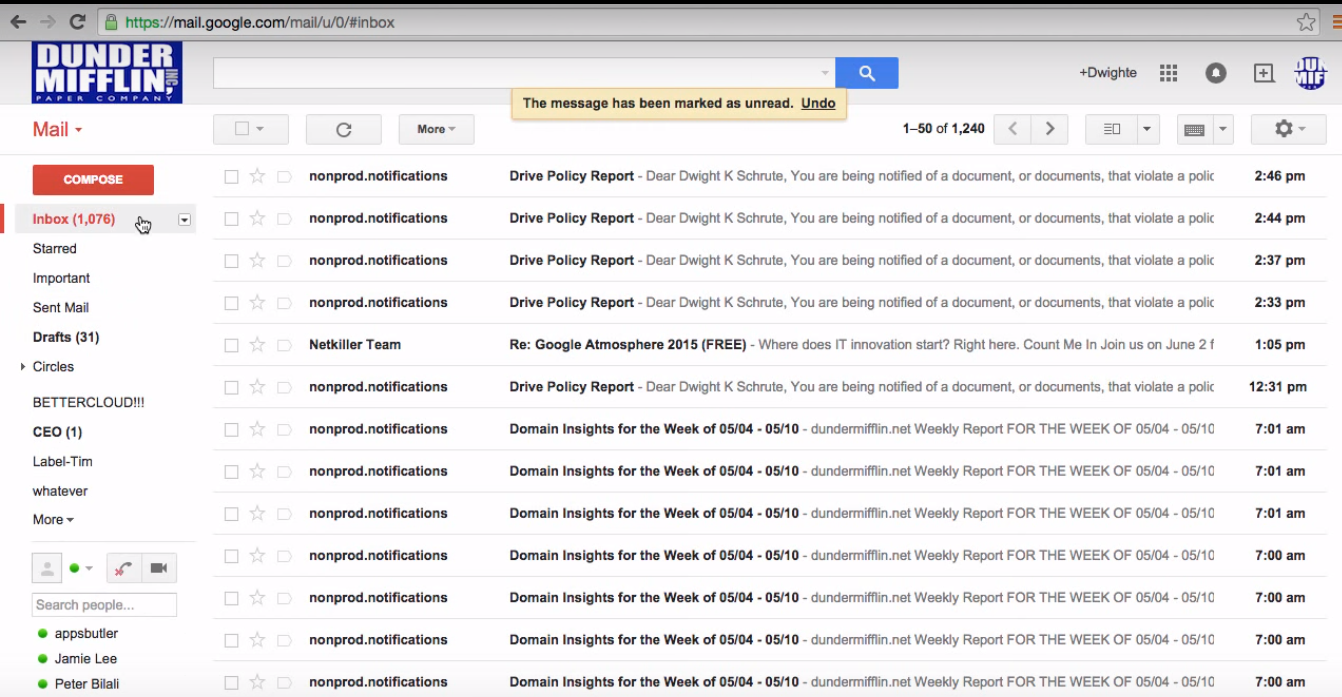
First thing you're going to do is go over to the left hand side of the window click the orange button that says compose and then you'll bring up a blank email the next thing you're going to do is go down to the bottom toolbar where you see this paperclip.
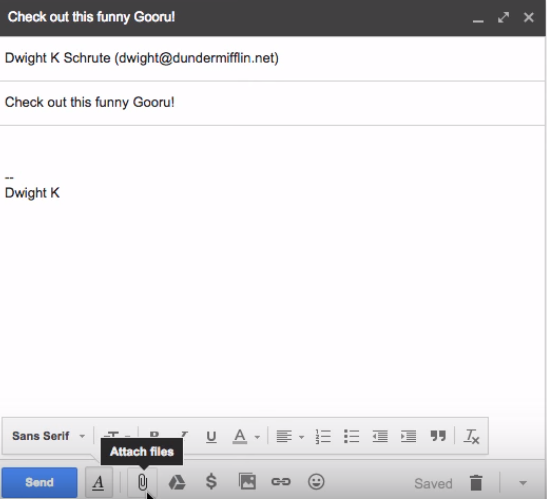
If you hover over it you'll see that it says attach files. When you click on that, browse your directory for the file that you would like to attach. Double click on the file that you like to attached and as you can see it's loading into your email.